05 · What We Build
Desktop-class Mac software for work a browser tab cannot hold.
We build native macOS applications for teams whose work has outgrown the browser: menu bar utilities, document-based editors, developer tooling, and desktop clients that need real filesystem access, background processing, and keyboard-first interaction. Signed, notarised, and distributed through whichever channel your users actually install software from.
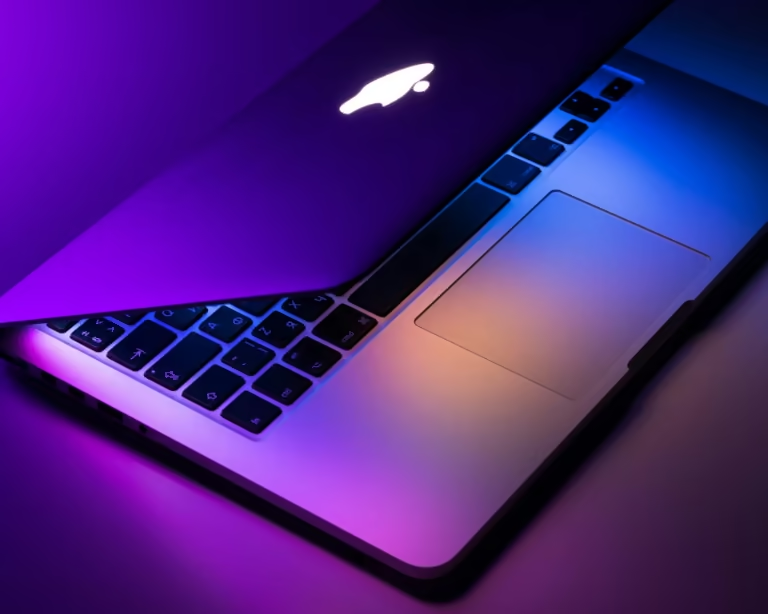
SwiftUI and AppKit apps that behave like Mac software, with proper window management, menus, keyboard shortcuts, and system services.
Always-available tools that stay out of the way, with launch-at-login, global hotkeys, and minimal idle resource use.
Document-based architecture, sandbox-compatible file access, and drag-and-drop that works where users expect it.
Integration with the system features your workflow depends on, so the app fits the way your team already works on a Mac.
Code signing, Apple notarisation, in-app updates, and Mac App Store submission, whichever channel suits your users.
We watch how the work is done today and identify what genuinely needs a desktop app rather than a web interface.
Window model, data storage, sandboxing posture, and distribution channel decided together, because each one constrains the others.
Signed builds delivered continuously, so your team is using the app on their own machines during development rather than after it.
Signing, notarisation, update infrastructure, and crash reporting set up so releases after launch are routine rather than an event.
About macOS Applications.
Both work, and the choice is a real trade-off. Direct distribution with Developer ID signing gives more system capability and no sandbox restrictions; the Mac App Store gives easier discovery and installation. We help you weigh it against what the app actually needs to do.
A focused menu bar utility is often six to ten weeks. A document-based or data-heavy application is usually twelve to twenty. Notarisation itself is automated and adds minutes, not days, to each release.
We ship universal binaries by default. If your users are entirely on Apple Silicon, we can target that alone and take the performance headroom instead.
Yes. Shared Swift packages for models, networking, and business logic are standard practice, with a platform-specific interface layer on top of each. It saves real time when both apps are in scope.
For direct distribution the app checks for and installs its own updates. Through the Mac App Store, updates go out via the store. Either way you get a release process you can run without us.
That is one of the main reasons to build a desktop app. We can keep processing and storage entirely local, with network access limited to what you explicitly want, which is often what makes the app viable for regulated environments.
Tell us what the work looks like today. We will come back with an approach, a timeline, and what it costs, with no obligation to proceed.